
Select the delivery day
Open the delivery-run view for the date you are preparing.
Organise the day's deliveries using customer run assignments, drop order and order details. Export PDF or CSV manifests for the dispatch team.

Select the delivery day
Review run assignments
Arrange the drops
Prepare the manifest
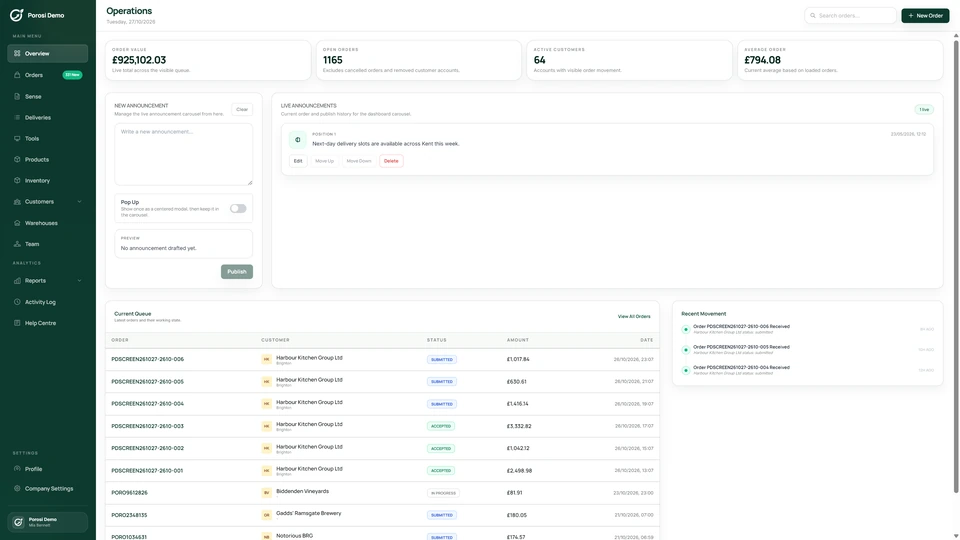
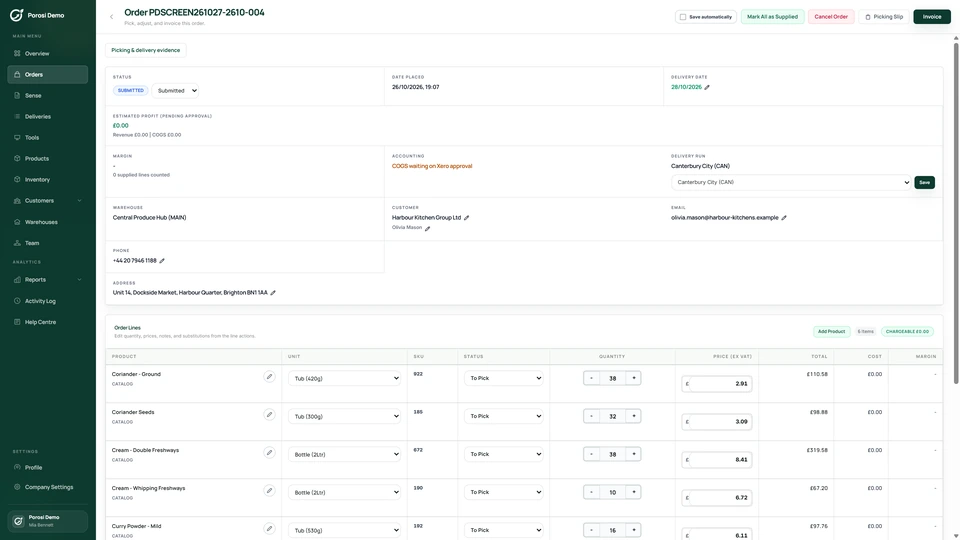
Real Porosi product screens. Customers can order on iOS, Android or the web, and submitted orders appear in the supplier dashboard for review.
Assign customers to delivery runs, review the orders for a delivery date and arrange the drop order. Generate PDF or CSV manifests from the orders already recorded in Porosi.
Open the delivery-run view for the date you are preparing.
Check which customers and orders belong to each run.
Review the stop sequence and make the changes needed for that day.
Export the run paperwork with the relevant orders, addresses and notes.
Check these details with the people who handle the orders each day.
The order belongs on the correct delivery run.
Review the customer assignment and any daily override.
The stops need to appear in the intended order.
Arrange the drop order for the run.
The driver needs current order and address information.
Generate the manifest after reviewing the day's changes.
Start with your existing customer accounts and product information. Check the settings with the people who handle these orders each day.
Name the runs used by your dispatch team.
Check usual run assignments and delivery addresses.
Review orders and drop order, then check the exported manifest.
Yes. Porosi supports PDF and CSV delivery-run manifests.
Yes. Customer run assignments help organise regular deliveries, with daily changes reviewed for the relevant orders.
This page describes run assignments, drop order and manifests. It does not promise live vehicle tracking or automatic route optimisation.
Tell us how you handle these orders today. We will show the relevant screens and answer your setup questions.