
Keep stock records current
Record receipts, stocktakes and other stock changes.
Review available stock alongside committed orders and incoming quantities. Use short-stock warnings and buying reports to help the team decide what can be supplied.

Keep stock records current
Review customer demand
Investigate warnings
Decide what to supply
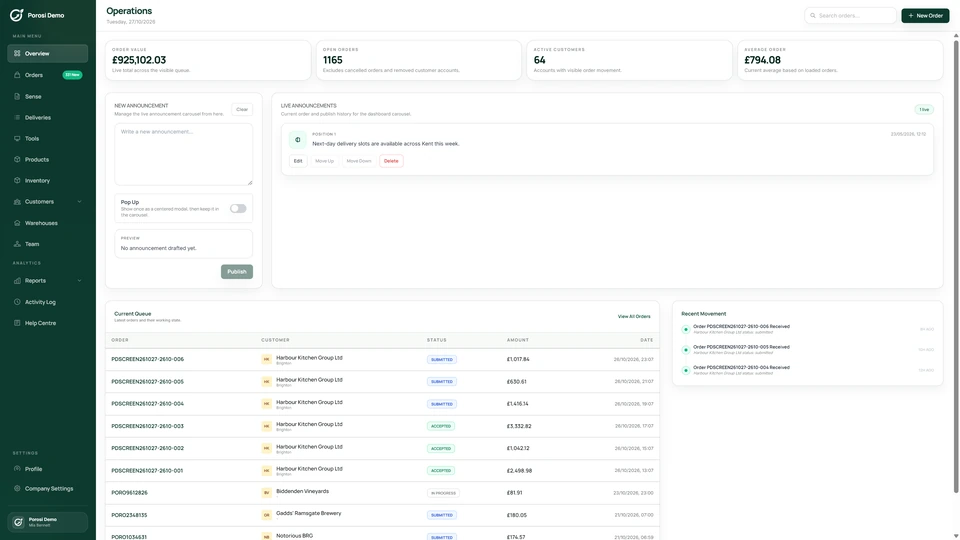
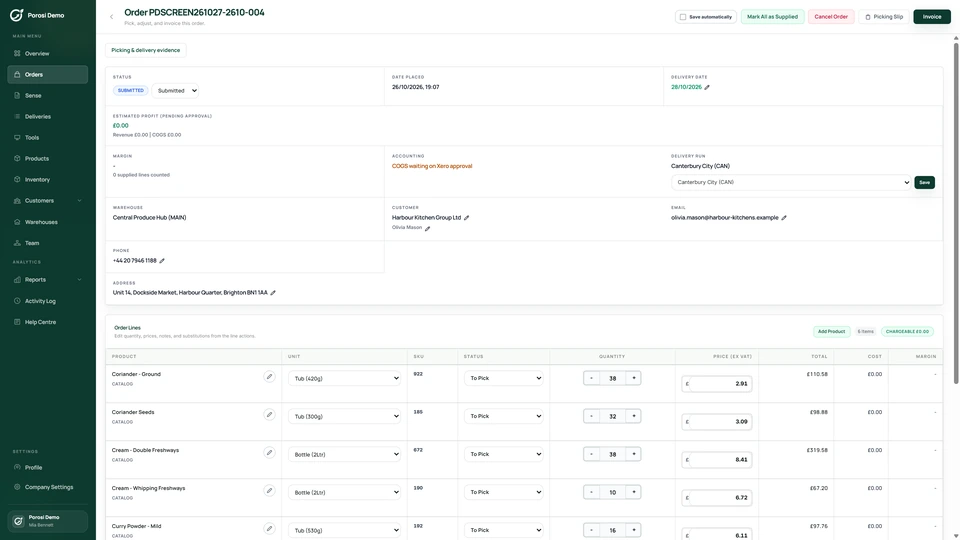
Real Porosi product screens. Customers can order on iOS, Android or the web, and submitted orders appear in the supplier dashboard for review.
Review stock on hand, customer commitments and incoming stock together. Short-stock warnings help staff spot lines that need a supply decision before picking starts.
Record receipts, stocktakes and other stock changes.
Check ordered quantities against the stock information available.
Look at the products that may be short before preparing the order.
Review available quantities, substitutions or buying needs with the team.
Check these details with the people who handle the orders each day.
The recorded quantity needs to match the physical stock.
Record receipts and stocktakes promptly.
Several customers may need the same limited line.
Review committed demand and available quantities together.
The team needs to decide what to buy.
Use suggested quantities and buying reports as inputs to that decision.
Start with your existing customer accounts and product information. Check the settings with the people who handle these orders each day.
Confirm product units and starting quantities.
Keep receipts and supplier information current.
Check a normal order and one with a shortage before using the reports daily.
Porosi shows stock on hand, committed orders, incoming stock, available and projected quantities, and suggested buying quantities.
Yes. Staff can record stocktakes and inspect stock movement information.
No. Suggested quantities and reports help your team decide what to buy; staff remain responsible for the replenishment decision.
Tell us how you handle these orders today. We will show the relevant screens and answer your setup questions.