
Choose the account
Link the buyer to the correct trade customer.
Keep agreed prices with the customer account, so buyers see the right amounts while ordering. Staff can review product prices and account exceptions before invoicing.

Choose the account
Maintain the price list
Show prices while ordering
Review exceptions
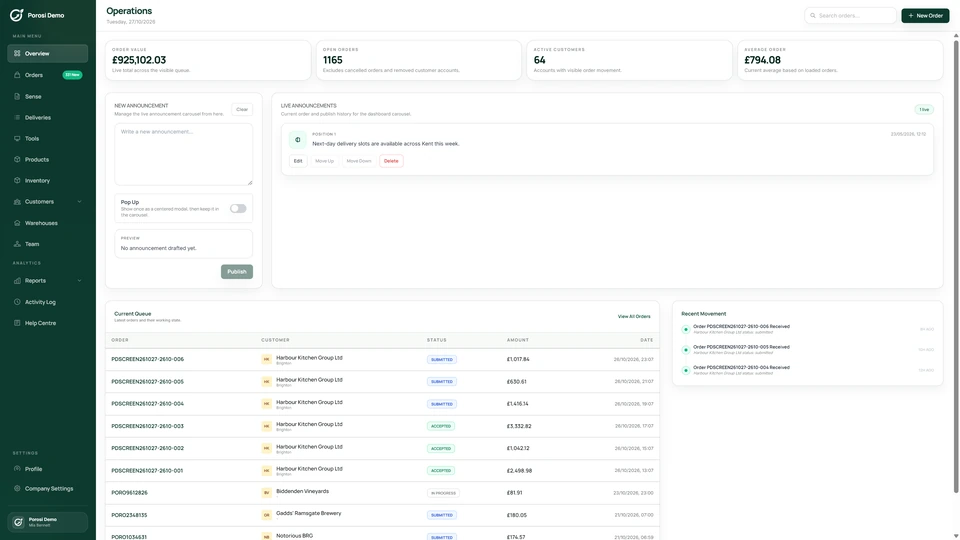
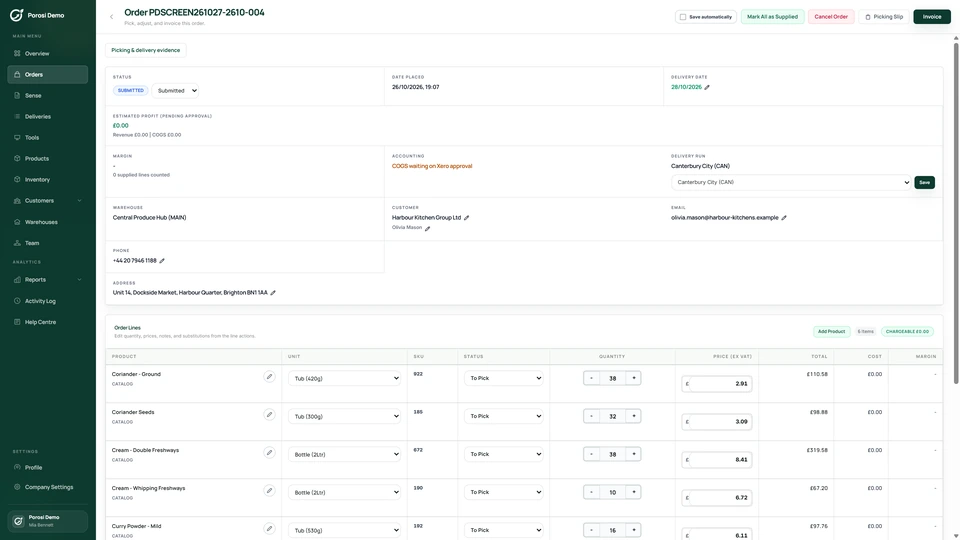
Real Porosi product screens. Customers can order on iOS, Android or the web, and submitted orders appear in the supplier dashboard for review.
Keep product prices connected to the customer account. Buyers see the prices available to them while building an order, so your team spends less time correcting prices after submission.
Link the buyer to the correct trade customer.
Keep the agreed product prices and relevant pricing settings up to date.
The buyer sees account prices in the app or web catalogue.
Check unusual prices or changes in the supplier dashboard before invoicing.
Check these details with the people who handle the orders each day.
A case price and an each price are different.
Keep the selling unit and price clear on the product.
The account needs a specific agreed price.
Maintain that price against the appropriate account and product.
A new price may affect the next order.
Review the change and confirm which products and customers it applies to.
Start with your existing customer accounts and product information. Check the settings with the people who handle these orders each day.
Use your current catalogue and customer agreements.
Confirm which prices belong to each customer.
Sign in as an approved test buyer and check products, units and totals.
Yes. Porosi supports customer-specific product pricing.
The buyer sees the prices available to their account while building the basket.
Your business sets the commercial agreement. Porosi applies the configured prices to the customer ordering process.
Tell us how you handle these orders today. We will show the relevant screens and answer your setup questions.